Import Appointments
Upload Excel, CSV, or Google Sheets exports.
 Fouffy DogRouting
Route planning for service businesses
Turn customer appointments into efficient routes in minutes.
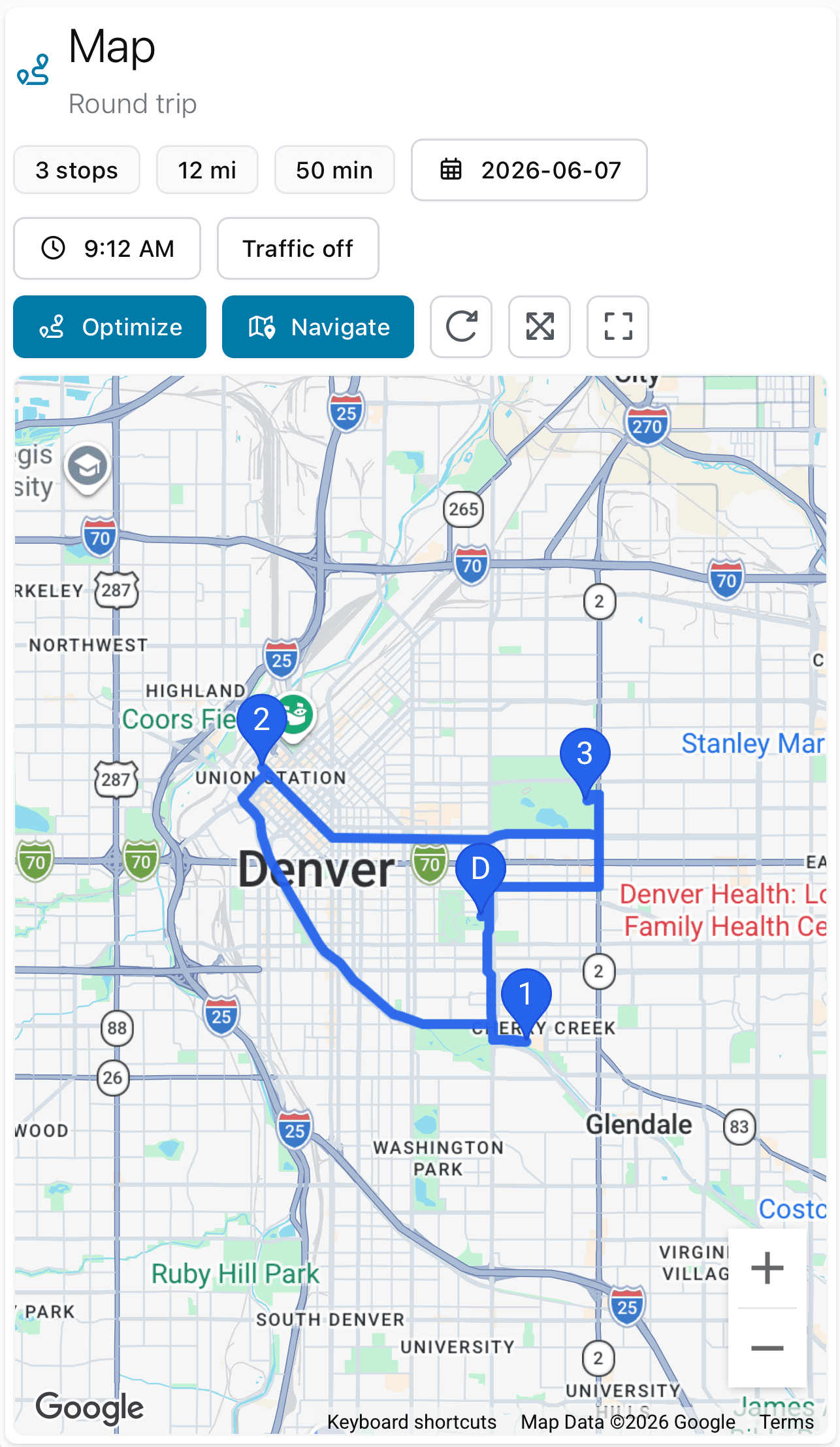
The problem
Many service businesses spend too much time figuring out where to go next.
Export appointments. Move things around. Build a map. Repeat next week.
Fouffy Dog Routing helps you turn customer appointments into efficient routes in minutes.
Who it's for
If your day involves driving from customer to customer, Fouffy Dog Routing can help.
Popular workflows
How it works
Upload Excel, CSV, or Google Sheets exports.
Add stops and create a route.
Optimize the route and open it in your preferred navigation app.
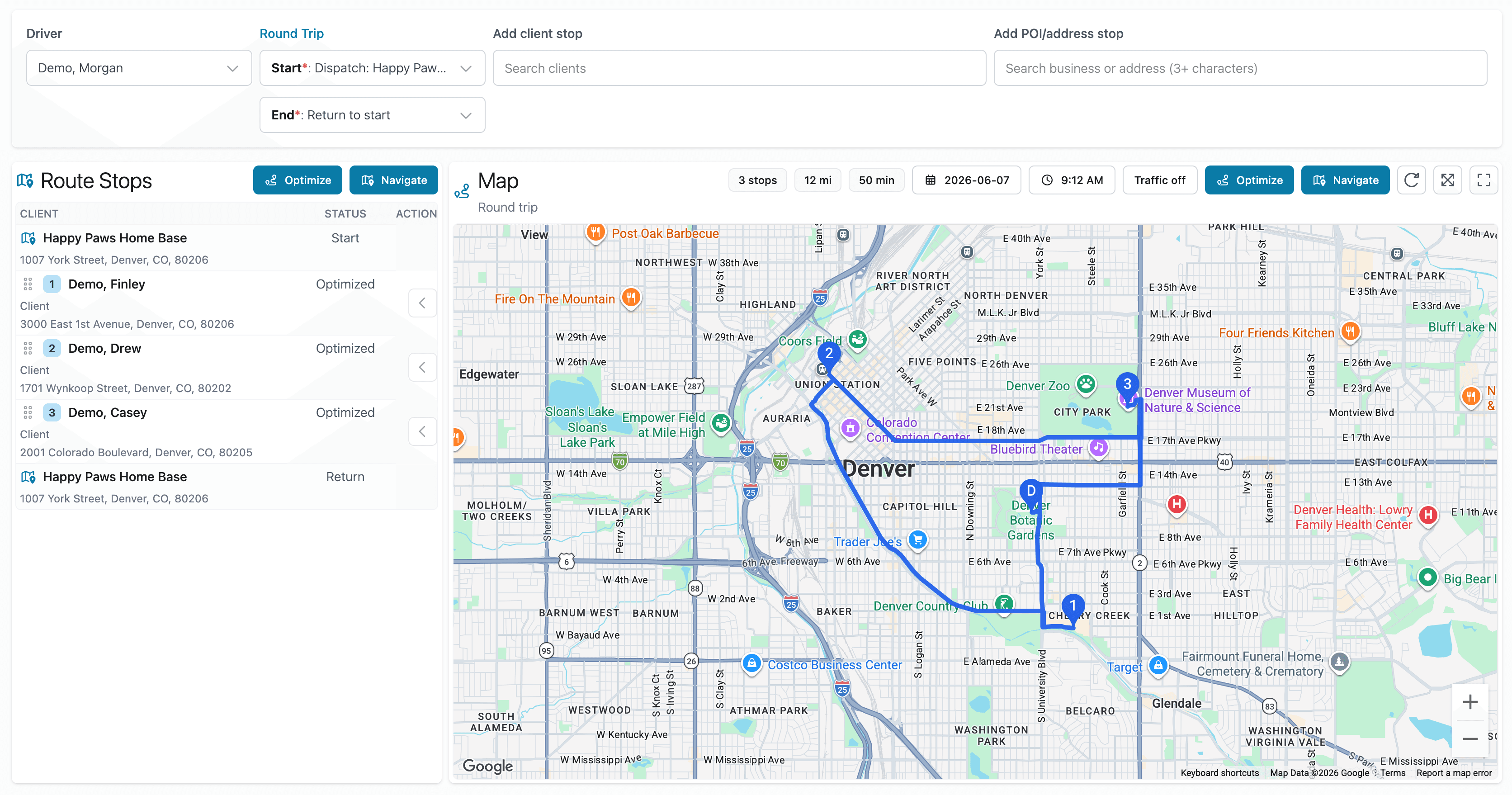
Smart spreadsheet import
Upload customers, appointments, or route stops and we'll help match the columns automatically. You can also search for saved places and businesses when you build routes.
A typical day
Features
Build efficient routes quickly.
Reuse routes you run every week.
Avoid unnecessary drive time.
Share routes with your team.
Import customers, appointments, and route stops from spreadsheets.
Search for businesses or addresses and save places you use often.
Why customers choose Fouffy Dog Routing
Pricing
For owner-operators.
When you're managing more than one route.
For businesses running multiple crews.
For larger operations.
Public beta
We are currently accepting beta users. Providing a little info about your business and how you plan routes today will help us tailor our product. Send us your info and we'll get back to you right away with how to be part of our beta.
FAQ
No. If you can export a spreadsheet, you can use Fouffy Dog Routing.
Yes. You can add customers, saved places, or searched addresses directly to a route without importing a spreadsheet.
Yes. Drivers can sign in to view assigned routes and open navigation from the route map.
Yes.
You can import exported customer and appointment spreadsheets from DaySmart Pet.
Yes.
We are accepting beta users now. Join the beta and we'll follow up with next steps.
Spend less time planning routes and more time serving customers.