Can routes have no date?
Yes. Permanent routes can be saved without tying them to one specific day.
 Fouffy DogRouting
Saved routes
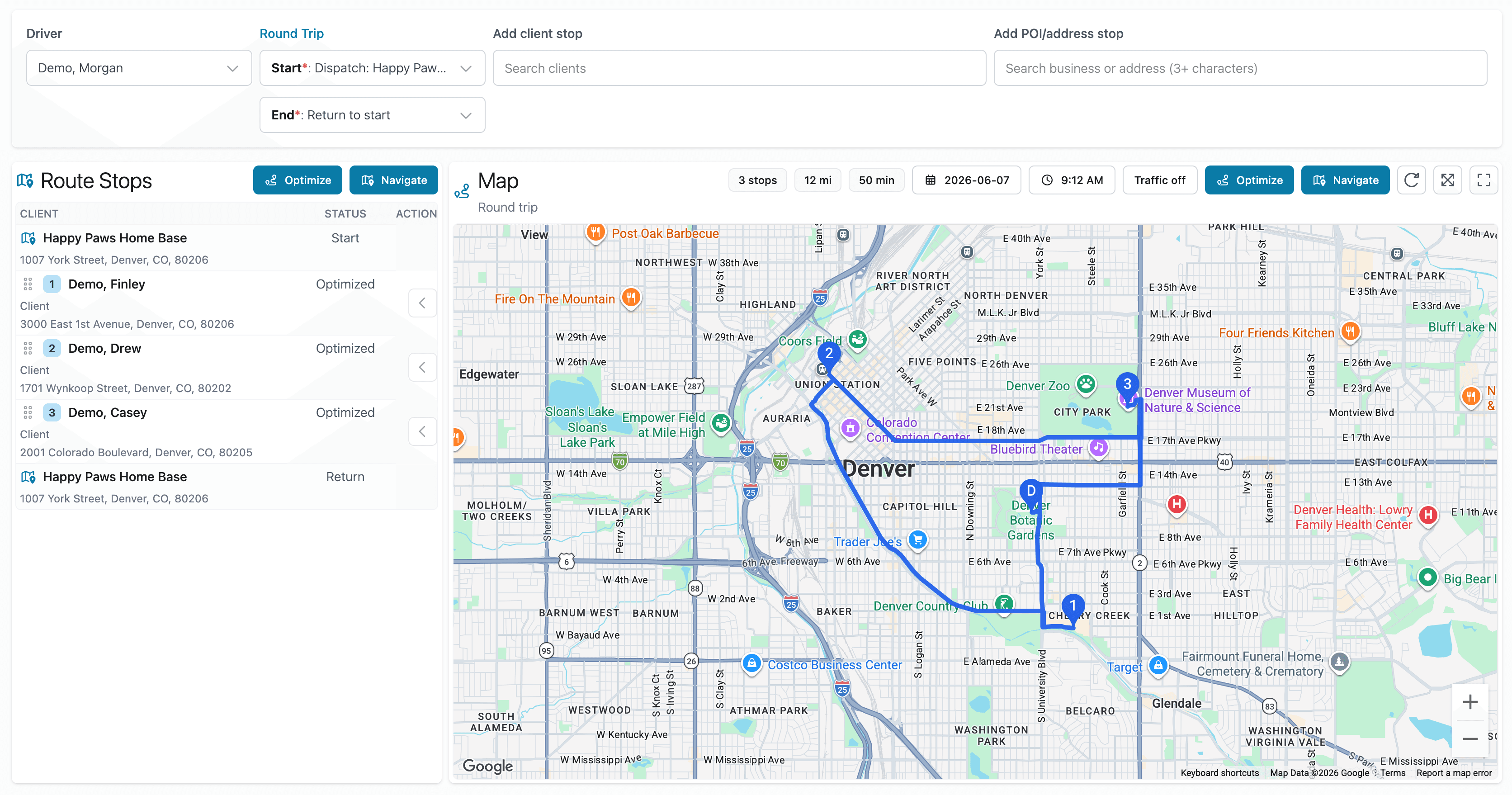
Create a route once and reuse it whenever you need it.
The problem
Many service businesses run similar routes week after week.
Rebuilding the same route wastes time and creates room for mistakes.
Saved routes let you keep useful route templates ready when you need them.
Better workflow
Smart spreadsheet import
Import customer lists, appointment files, or route stop spreadsheets, then save routes you expect to use again.
FAQ
Yes. Permanent routes can be saved without tying them to one specific day.
Yes. You can manually add customers, saved places, or searched addresses, then save the route for reuse.
Yes. Drivers can sign in to view assigned routes and open navigation from the route map.
Yes. Duplicate a saved route when you want to make a copy without changing the original.
Yes. Routes can be edited, optimized, and saved again.
We are currently accepting beta users.